
May 10, 20264 min read
Is Your Battery Draining Fast? 5 Signs It Needs Replacing
1. Checking Your Battery Health Percentage
For iPhones, check Settings > Battery > Battery Health. If it"s below 80%, a replacement is recommended. Android users can utilize built-in diagnostics or apps like AccuBattery.
2. Unexpected Shutdowns
If your device abruptly turns off while showing 20% or 30% battery remaining, the cells can no longer sustain peak voltage demands.
3. Physical Swelling: A Major Hazard
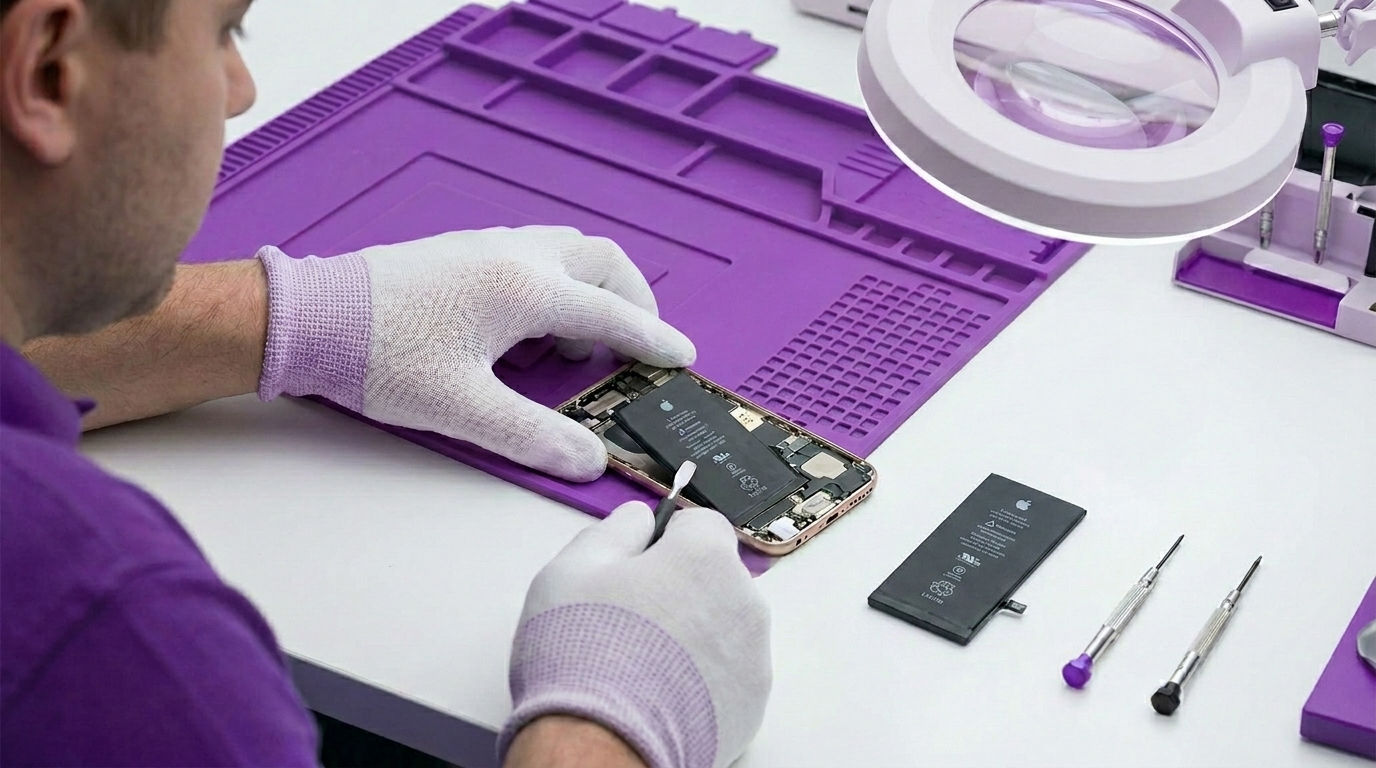
If your screen is lifting or the back glass is separating, your battery is likely swelling. Stop using the device immediately and bring it to a shop to avoid fire hazards.