
How We Keep Your Data Safe During Phone Repair (Our Exact Protocol)
Handing your phone to a stranger for an hour means handing over your photos, messages, and accounts too. Here's the exact protocol we follow to keep that data untouched.
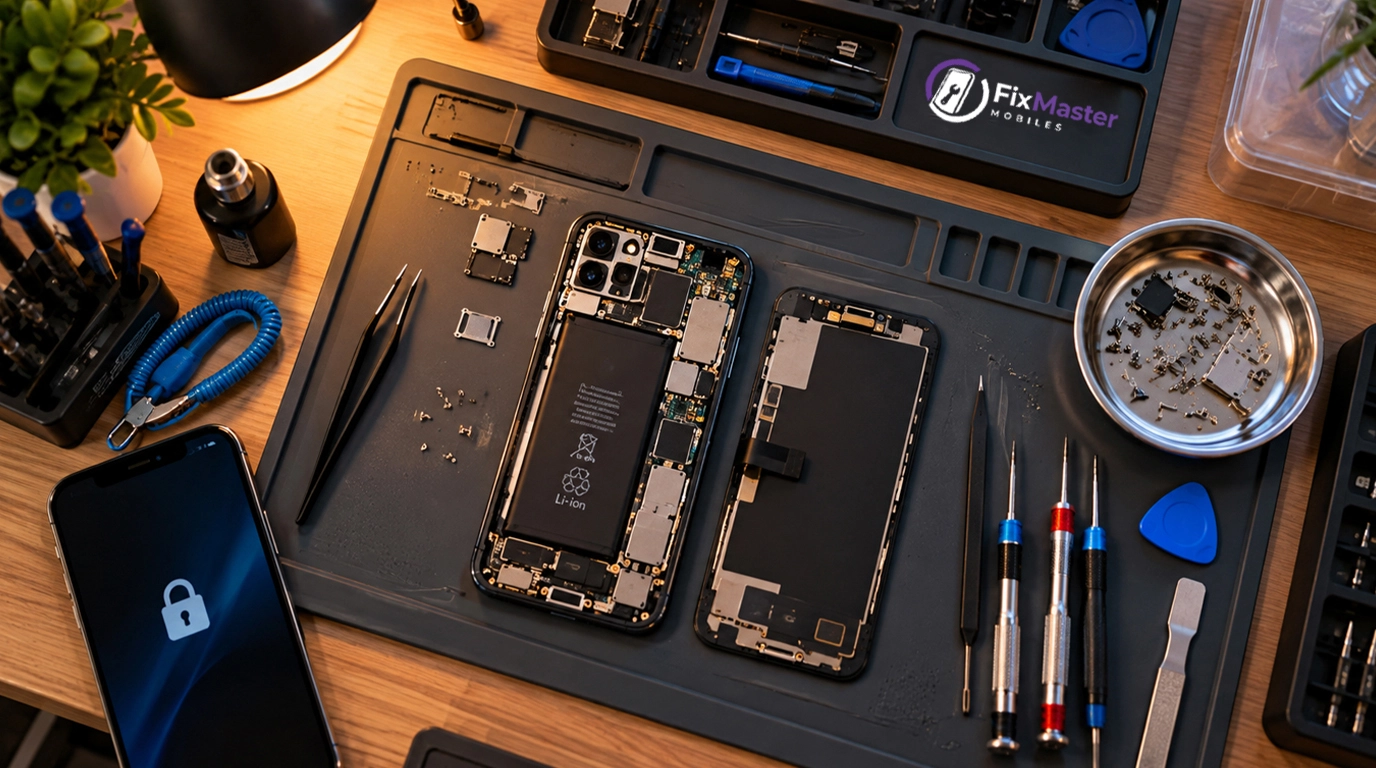
Handing your phone over for repair means handing over more than a device. In fact, it's your photos, your messages, your banking apps, your entire day-to-day life. So that's not a small thing to trust a stranger with, even for an hour.
This post is our exact protocol, laid out plainly. It's not a vague promise. Instead, it's the actual steps we take, from the moment your phone reaches us until it's back in your hands.
Why Data Safety Is a Top Concern for Repair Customers
Data safety matters because a phone repair is rarely just about the phone. In short, it's about everything on it. For example, a cracked screen is annoying. But a leaked photo or a snooped message is a different category of problem entirely. So customers are right to think about both.
In fact, most repairs, like screen or battery replacement, don't need any access to your personal data at all. But customers can't always tell which repairs do and which don't. So that uncertainty is exactly why we treat every device the same way, regardless of the job.
Our Step-by-Step Protocol When Your Device Arrives
Every device follows the same protocol, whether you drop it off at our shop, mail it in, or book a doorstep pickup. Also, we don't ask for your passcode unless the specific repair genuinely requires it. And even then, we ask only in front of you.
Here's what happens, in order:
- Intake. First, we log the device, its condition, and the issue you've described. For most repairs, we don't request a passcode at this stage.
- One technician, one device. The person who opens your phone stays with it through the repair. So it never moves between technicians.
- No account access. We don't open your photos, messages, banking apps, or cloud accounts. In fact, there's no reason to, for the vast majority of repairs.
- When access is genuinely necessary. Checking Face ID or testing an app-specific issue, for example. Then we do this in front of you, or you set a temporary passcode you remove afterward.
- Function testing. Next, we check touch, camera, speaker, and charging. Still, none of this involves browsing your personal content.
- Return. Finally, your phone comes back exactly as it left, minus the original problem.
What You Can Do Before Handover for Extra Peace of Mind
You don't need to do anything extra for most repairs, but a few habits add peace of mind. For example, back up anything irreplaceable before any repair, regardless of which shop you use. It's good practice, not a sign you don't trust us.
A few more options, entirely optional:
- Log out of anything you'd rather not have open, even briefly.
- Ask us directly whether your specific repair needs any device access.
- Stay and watch, if it puts you at ease. In fact, we're comfortable with that.
- Set a temporary passcode yourself if a repair requires one, and remove it once your phone is back.
You don't have to do any of this. Instead, it's all simply available if it helps you feel more comfortable.
Our Commitment on Privacy
Our commitment is simple: we access only what a repair genuinely requires, and never more. Also, we don't copy, store, or share anything from your device. And we don't install software beyond what a specific repair needs.
This isn't a policy we only apply when someone asks. Instead, we handle every device this way by default — in the shop, doorstep, or mail-in. That's true whether the repair is a five-minute battery swap or a longer board-level job. So we'd rather earn your trust through how we actually work than through a promise on a page.
Book a Repair You Don't Have to Worry About
A repair shouldn't come with a second concern about your data on top of the original problem. So tell us what's wrong, and we'll tell you honestly whether your repair needs any device access at all.
Call or WhatsApp +91 86865 09563, 8:00 AM – 9:00 PM daily, to book a repair with a 6-month warranty on the work itself. Visit our Mehdipatnam shop, book doorstep service where it's available, or mail your device to our repair address in Banjara Hills — whichever's easiest for you.
FAQ: Data Safety During Phone Repair
Do I need to give you my phone's passcode?
No, not for most repairs. In fact, screen, battery, and charging port work rarely need device access at all. But if a specific repair genuinely requires it, we'll ask in front of you and explain exactly why.
Can your staff see my photos or messages during repair?
No. We don't browse personal content, because there's no reason to for the vast majority of repairs. However, if a repair genuinely requires opening an app to test an issue, we do it in front of you. Never out of sight.
Is data privacy handled differently for doorstep repairs?
No. The same protocol applies to every route: shop drop-off, doorstep pickup, or mail-in. In each case, one technician handles the device. And we don't access personal content beyond what a repair genuinely needs.
What if a repair genuinely requires opening an app or logging in?
We'll tell you clearly why, and do it in front of you or with a temporary passcode you set and remove afterward. However, this only applies to a small number of app-specific or Face ID-related repairs.
Should I back up my data before sending in my phone?
Yes, it's good practice for any repair, with any shop, though most repairs don't touch your data. We recommend it because devices can occasionally fail during a repair for unrelated reasons. So a backup protects you either way.
Do you install any software or apps on my phone during repair?
No, beyond what a specific diagnostic step genuinely requires, and we'll tell you if that's the case. Also, we don't add anything to your phone that isn't directly part of fixing the issue you contacted us about.